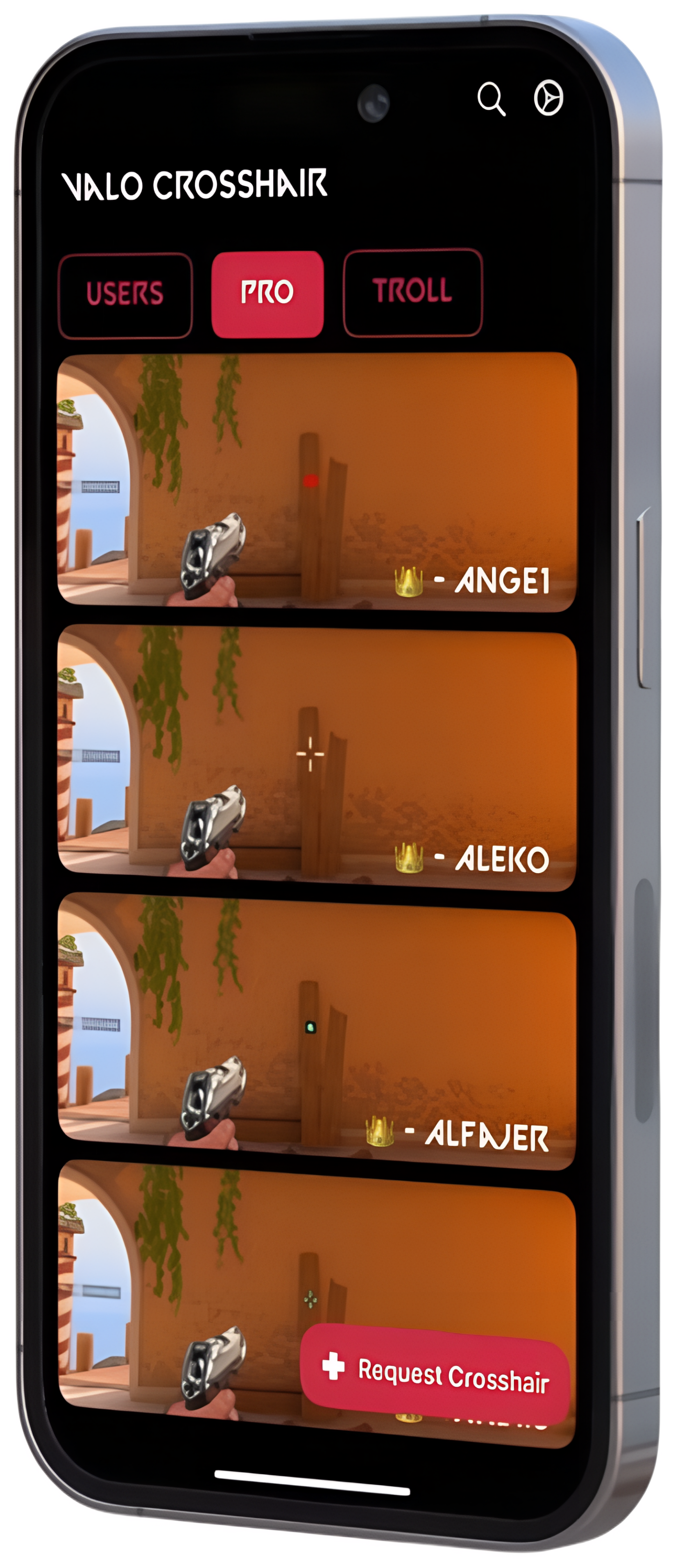
1
Select Your Crosshair
Browse the crosshair collection in the app and tap on any crosshair to open its detail page.
2
Open Valorant Settings
Launch Valorant on your PC, click the settings icon in the main menu, then navigate to the "Crosshair" tab.
3
Copy & Import Code
Tap the "Copy" button in the app to copy the crosshair code. In Valorant, click "Import" and paste the code to apply it instantly.
4
Enjoy Your New Crosshair
That's it! Your new crosshair is now active. Jump into a game and experience improved aim with your pro settings.
Pro Tip
Want to customize further? You can manually adjust individual settings in Valorant's crosshair tab by referencing the detailed settings shown in the app.